Fiber Optics
5 minutes

A practical look at office network planning before expansion
Adding desks sounds easy until the network starts dropping connections. Here is what to check first so the expansion goes smoothly and your new seats actually work on day one.
Adding seats sounds like the easiest part of growing a business. The hard part usually shows up later, when the network starts behaving strangely. Slow logins. Dropped calls on Teams. A printer that worked yesterday and now does not. A lot of that traces back to cabling and network capacity that nobody planned to revisit.
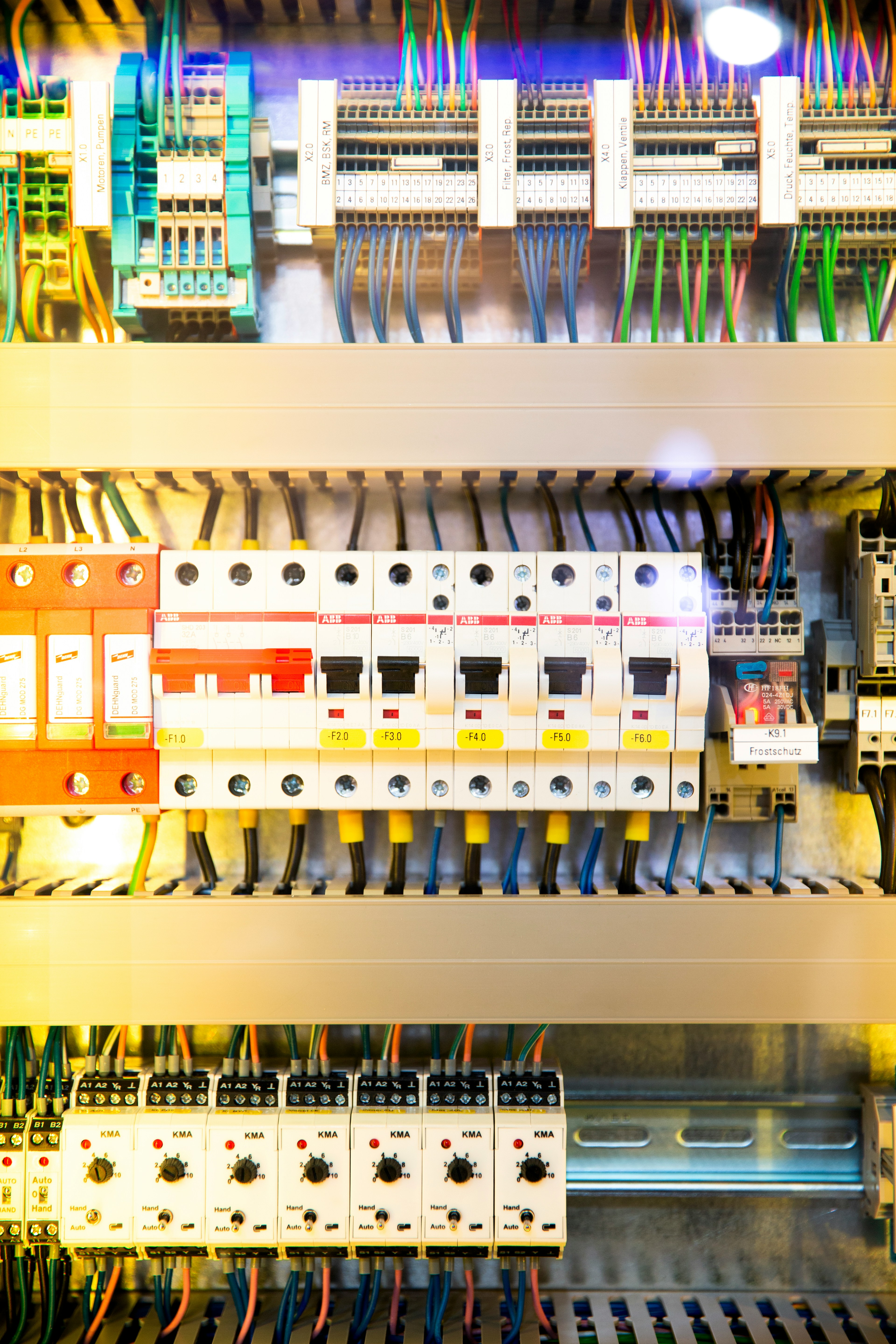
Start with the network, not the furniture
Before anyone moves a desk, walk back to your network closet or wherever your switches live. Look at how many open ports you actually have. If every port is in use and you are about to add five more workstations, you have a problem that no amount of WiFi can fix. Most small businesses run out of usable switch ports long before they realize it. New desks need wired drops if you want reliable performance for video calls, file transfers, or anything that touches a server. While you are in there, check the patch panel too. If it is a tangle of unlabeled cables, every change going forward takes longer and carries more risk of an accidental unplug.

Check what the cable in the walls can actually carry
Older offices often have Cat5 or early Cat5e cable still in the walls. It might technically work, but it caps your speed and reliability at a level that can quietly hurt productivity. If your business runs cloud apps, VoIP phones, or shared file storage, that older cable is doing more damage than people realize. Adding new drops is a chance to bring the affected zones up to modern Cat6 or Cat6a so the new desks are not bottlenecked from day one. It is also a chance to retire any wall jacks that have been making people reboot their laptops every other week.

Map the new desks before any wire goes in
It is worth sketching out where each new desk will sit, where the power is, and what each person actually needs. One workstation might need two drops (a computer and a phone). Another might need three (computer, phone, and a docking station for a dual monitor setup). Some seats need an access point overhead because they fall into a dead zone. It also helps to think about what each role does, not just what fits at the desk. A finance lead running dual monitors and a wired headset has different needs than a sales rep who is on a laptop most of the day. Without that map, electricians and cabling crews end up guessing, and that is how you get cables that come out of the wrong wall or stop two feet short of the desk.
If your business is about to add desks, expand a department, or rearrange a floor, the cleanest path is to plan the cabling before the furniture order goes in. A short walkthrough can flag the easy wins (a few extra drops, a small switch upgrade, an extra access point) and the bigger items that need real planning. If you are unsure what your space needs, Solari Cabling Contractors can take a look at your current setup and help you map out what should change before the new seats arrive. A quick call now is a lot less painful than rewiring around finished cubicles later.