Fiber Optics
5 minutes

The wiring and network reasons meetings drop, freeze, or sound off
Bad conference room calls almost always trace back to a few fixable causes in the wiring and network setup. Here is what to look at before blaming the software.
Nothing kills the credibility of a meeting faster than a frozen screen or a client asking whether anyone can hear them. Most businesses assume the issue is Zoom or Teams having a bad day. In practice, the problem usually lives in the wiring, the switch, or the WiFi coverage in that specific room. The good news is that these are all fixable once you know where to look.

The conference room is running on WiFi it should not be running on
The single most common cause of bad video calls in a conference room is that the whole setup is riding on WiFi. Laptops, the smart TV, the room camera, sometimes even the ceiling speaker system, all fighting for the same access point. During a busy day that access point is also handling everyone else within range. Video calls hate that. A wired ethernet drop into the room, terminated at a wall plate near the display, gives the meeting hardware its own path and dramatically stabilizes the call quality. This is a low cost change that solves a huge percentage of complaints.
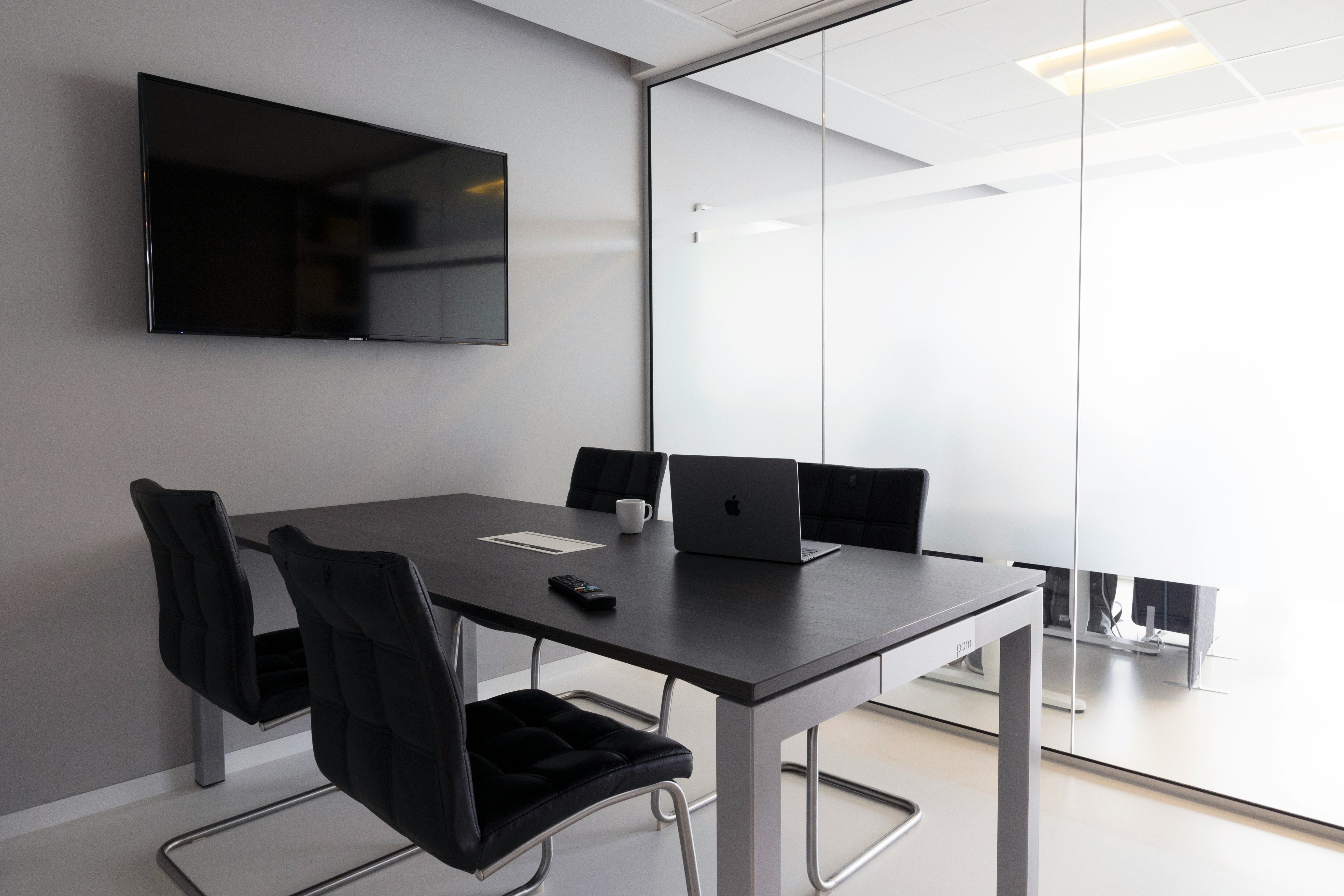
Old cable feeding new equipment
Many businesses upgrade their conference room hardware every few years but never touch the cable running to it. A room might have new 4K displays and a modern speakerphone, all fed by a Cat5 line pulled during the original office buildout. That older cable can pass basic traffic, but it struggles under sustained video load and interferes with newer PoE devices that need more power over the same line. Replacing the run with modern Cat6 or Cat6a is a small project that removes a bottleneck the rest of the equipment cannot compensate for.

The access point is in the wrong place
Conference rooms are often built along the perimeter of an office, in corners, or behind walls that block signal. The nearest access point might be mounted three rooms away, and the signal that reaches the conference table is weaker than the reading on anyone's laptop suggests. Video calls need consistent throughput both up and down, not just enough signal to load a webpage. A dedicated ceiling access point inside or right outside the room, cabled properly and configured for the space, cuts out the most frustrating audio and video drops. Placement matters more than raw hardware count.
If video calls keep letting your team down in one specific room, the fix is almost never buying yet another camera or headset. It is usually a combination of the right drop, the right cable, the right access point placement, and a switch that can carry the load. Solari Cabling Contractors can walk the room, test what is actually landing there, and put together a short list of changes that will make meetings dependable again. If your team is losing time to failed calls, a professional review is a smart first step before another hardware purchase.